
Chapter 15 · 15.4
Git: updating your website from a repository
Do you work with Git, for example with GitHub or GitLab? Then in DirectAdmin, under Git, you can create a repository on the server or link it to an external repository. This lets you put a new version of your website on the server with a single click (or automatically).
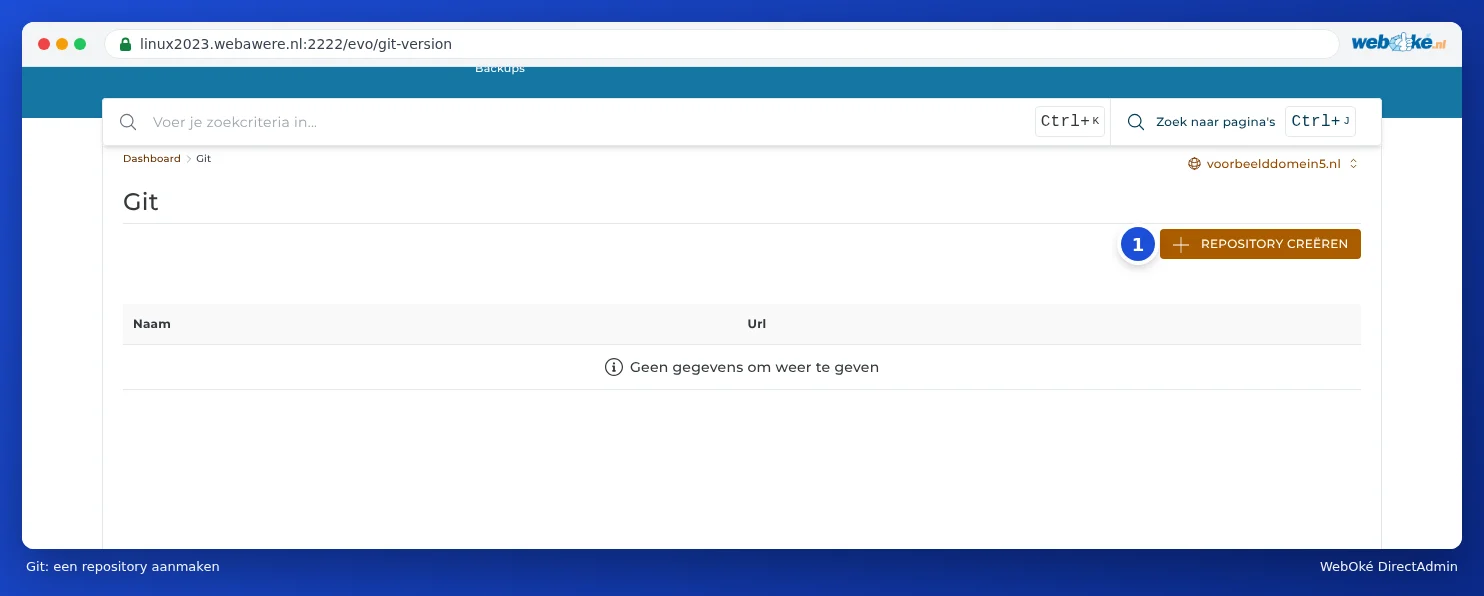
Creating a repository
- In DirectAdmin, under Advanced Features, click Git.
- Click CREATE REPOSITORY.
- Next to Domain you'll see the domain the repository belongs to.
- Next to Name (1), enter a name, for example website.
- Do you want to pull in an existing repository from GitHub, GitLab or another service? Then enter the address next to Remote (2).
- If that repository is private, enter the key the server can use to read it next to Keyfile (3) (see below).
- Click CREATE REPOSITORY.

If you leave Remote empty, DirectAdmin creates an empty repository on the server, which you push to yourself via SSH (see SSH Keys and logging in with SSH).
A private repository: a deploy key
To read a private repository, the server needs its own key. We recommend creating this as read-only, as a deploy key in GitHub or GitLab. Add the public part to your repository (in GitHub: Settings, Deploy keys) and give DirectAdmin the path to the private part in your package. For the address, use the SSH format, for example git@github.com:yourname/website.git.
Updating and deploying
Click your repository in the list. There, you pull the latest version from the external repository and put the files in a folder of your website (deploying). DirectAdmin also shows a webhook address there. Add that address to your repository as a webhook (in GitHub: Settings, Webhooks), and the server will automatically deploy every push.
Please note: Keep the webhook address secret. Anyone who knows the address can trigger a new deployment.
Good to know
- When deploying, files with the same name are overwritten, but files you've deleted from your repository remain on the server. You'll need to clean these up yourself.
- Don't put the repository itself in public_html. Otherwise, anyone could request the .git folder with your entire history. Let DirectAdmin deploy the files to public_html instead.
- Don't put passwords or API keys in your repository. Store these in a separate file that isn't part of Git, such as .env.
- Run Composer or npm after a deployment in the Terminal or via SSH (see Terminal in your browser).